Capture crashes using Sherlock
suggest changeSherlock captures crashes and reports them as a notification. Tapping the notification opens an activity with the crash details and device and application info.
How to integrate Sherlock with your application
You just need to add Sherlock as a gradle dependency in your project.
dependencies {
    compile('com.github.ajitsing:sherlock:1.0.1@aar') {
        transitive = true
    }
}
After Android Studio syncs, initialize Sherlock in your Application class. Register that class as android:name on <application>, or onCreate never runs.
package com.singhajit.login;

import android.app.Application;

import com.singhajit.sherlock.core.Sherlock;

public class SampleApp extends Application {
  @Override
  public void onCreate() {
    super.onCreate();
    Sherlock.init(this);
  }
}
That is the whole setup. Sherlock also does more than report a crash. See this article for the other features.
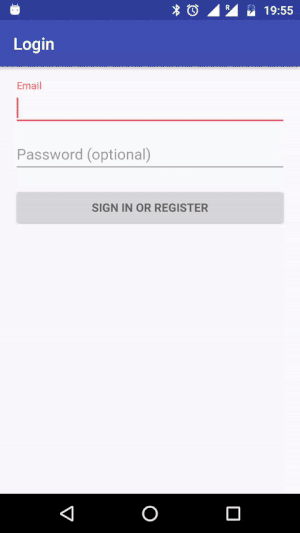
Demo
Found a mistake? Have a question or improvement idea?
Let me know.
Table Of Contents