Enabling or disabling Instant Run
suggest change- Open the Settings or Preferences dialog:
- On Windows or Linux, select
File>Settingsfrom the main menu. - On macOS, select
Android Studio>Preferencesfrom the main menu.
- On Windows or Linux, select
- Navigate to
Build, Execution, Deployment>Instant Run. - Check or clear the Instant Run box.
- Click OK to save and exit.
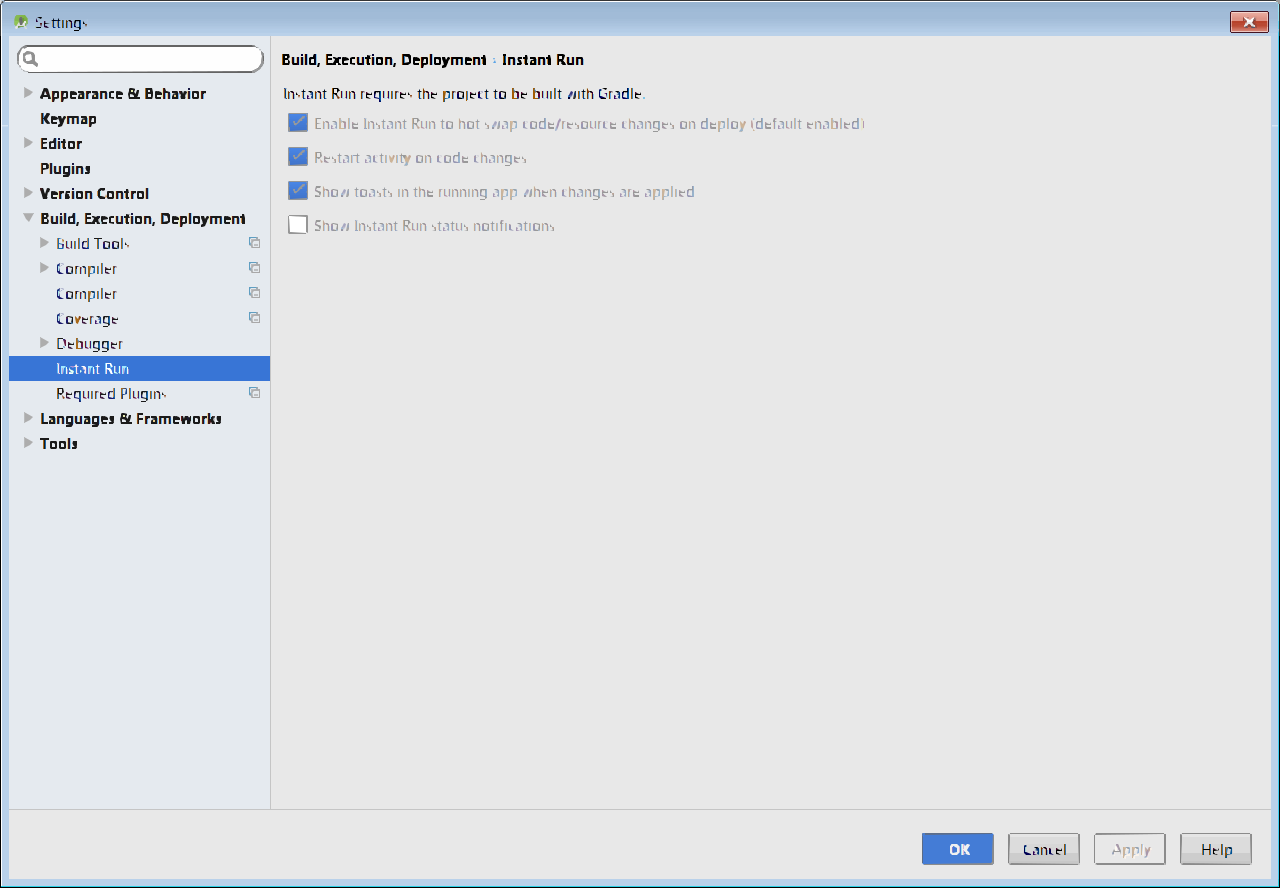
The top option is Instant run. Check/uncheck that box.
Found a mistake? Have a question or improvement idea?
Let me know.
Table Of Contents