Load the Image from Resource from Android Device. Using Intents.
suggest changeUsing intents to load the image from the Gallery.
- Declare
android.permission.READ_EXTERNAL_STORAGE. The sample reads a file path from the MediaStoreDATAcolumn and decodes that file. On Android 6.0 and higher this is a dangerous permission, so it also needs a runtime grant. - Use the following layout.
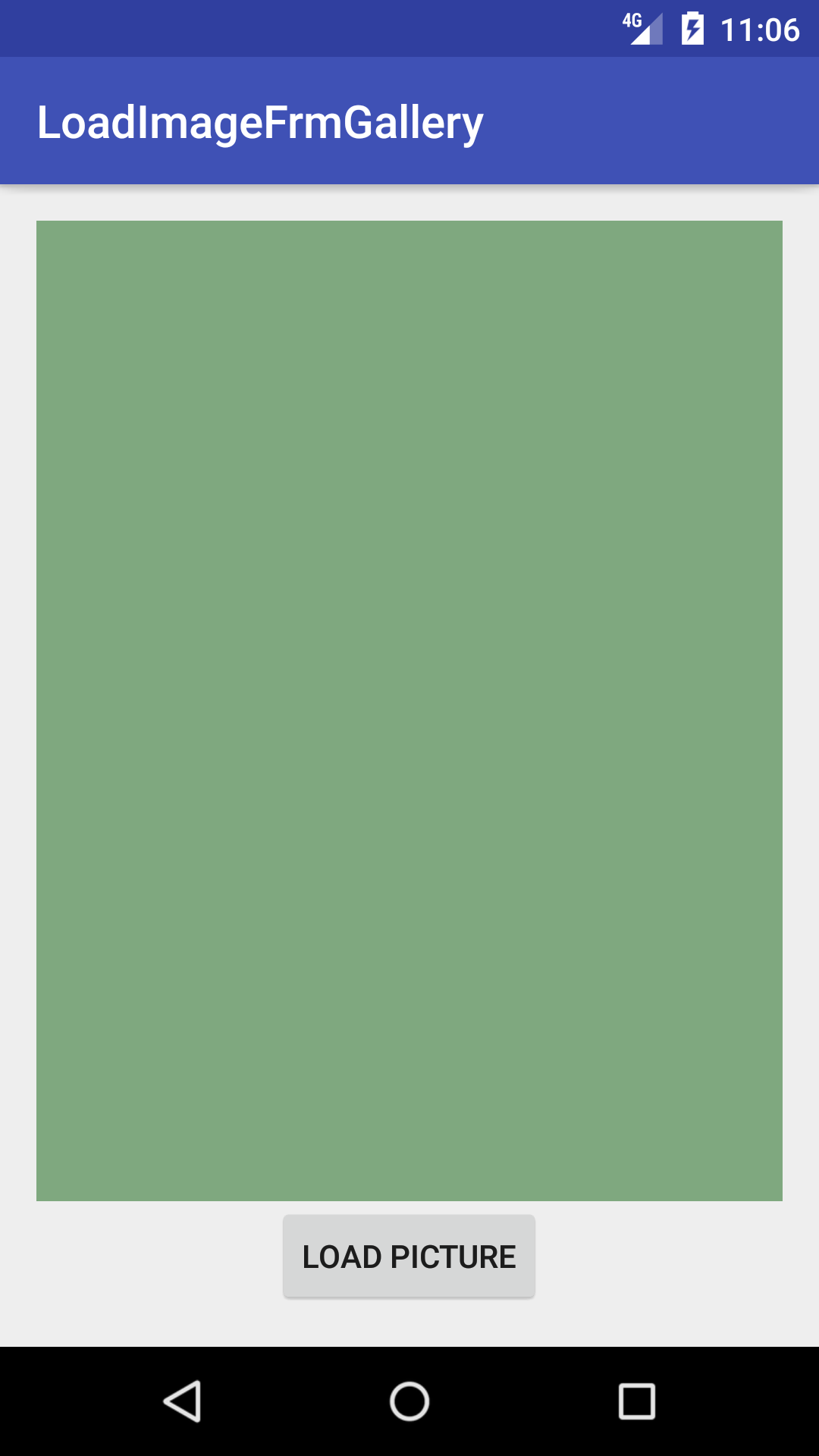
<?xml version="1.0" encoding="utf-8"?>
<LinearLayout xmlns:android="http://schemas.android.com/apk/res/android"
 xmlns:tools="http://schemas.android.com/tools"
 android:orientation="vertical"
 android:layout_width="match_parent"
 android:layout_height="match_parent"
 android:paddingBottom="@dimen/activity_vertical_margin"
 android:paddingLeft="@dimen/activity_horizontal_margin"
 android:paddingRight="@dimen/activity_horizontal_margin"
 android:paddingTop="@dimen/activity_vertical_margin"
 tools:context="androidexamples.idevroids.loadimagefrmgallery.MainActivity">

 <ImageView
     android:id="@+id/imgView"
     android:layout_width="fill_parent"
     android:layout_height="wrap_content"
     android:layout_weight="1"
     android:background="@color/abc_search_url_text_normal"></ImageView>

 <Button
     android:id="@+id/buttonLoadPicture"
     android:layout_width="wrap_content"
     android:layout_height="wrap_content"
     android:layout_weight="0"
     android:text="Load Picture"
     android:layout_gravity="bottom|center"></Button>

</LinearLayout>
- Use the following code to display the image when the button is clicked.
RESULT_LOAD_IMAGEis not declared on this page.
The click listener:
Button loadImg = (Button) this.findViewById(R.id.buttonLoadPicture);
loadImg.setOnClickListener(new View.OnClickListener() {
    @Override
    public void onClick(View v) {

        Intent i = new Intent(Intent.ACTION_PICK, MediaStore.Images.Media.EXTERNAL_CONTENT_URI);
        startActivityForResult(i, RESULT_LOAD_IMAGE);
    }
});
- After the click, the intent opens the gallery.
Select an image so the gallery can send it back to the activity. onActivityResult receives that result. The sample does not handle a null cursor or a moveToFirst that returns false.
protected void onActivityResult(int requestCode, int resultCode, Intent data)  {
    super.onActivityResult(requestCode, resultCode, data);

    if (requestCode == RESULT_LOAD_IMAGE && resultCode == RESULT_OK && null != data) {
        Uri selectedImage = data.getData();
        String[] filePathColumn = { MediaStore.Images.Media.DATA };

        Cursor cursor = getContentResolver().query(selectedImage,
                filePathColumn, null, null, null);
        cursor.moveToFirst();

        int columnIndex = cursor.getColumnIndex(filePathColumn[0]);
        String picturePath = cursor.getString(columnIndex);
        cursor.close();

        ImageView imageView = (ImageView) findViewById(R.id.imgView);
        imageView.setImageBitmap(BitmapFactory.decodeFile(picturePath));

    }
}
Found a mistake? Have a question or improvement idea?
Let me know.
Table Of Contents