Using Strokes
suggest changeUsing SVG stroke makes it easier to create a Vector drawable with unified stroke length, as per Material Design guidelines:
Consistent stroke weights are key to unifying the overall system icon family. Maintain a 2dp width for all stroke instances, including curves, angles, and both interior and exterior strokes.
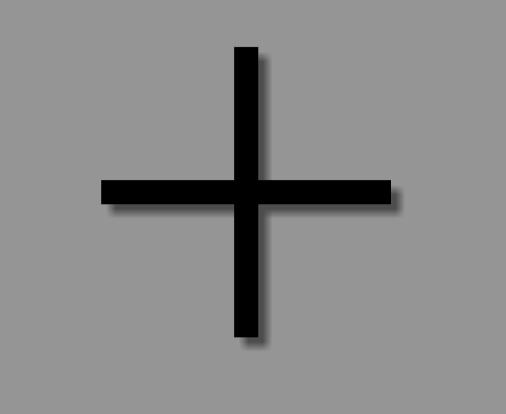
So, for example, this is how you would create a “plus” sign using strokes:
<vector xmlns:android="http://schemas.android.com/apk/res/android"
android:width="24dp"
android:height="24dp"
android:viewportHeight="24.0"
android:viewportWidth="24.0">
    <path
        android:fillColor="#FF000000"
        android:strokeColor="#F000"
        android:strokeWidth="2"
        android:pathData="M12,0 V24 M0,12 H24" />
</vector>
strokeColordefines the color of the stroke.strokeWidthis in viewport units. This drawable is 24dp with a 24 by 24 viewport, so a width of 2 is 2dp, as suggested by the guidelines.pathDatais where we describe our SVG image:M12,0moves the “cursor” to the position 12,0V24creates a vertical line to the position 12, 24
etc., see SVG documentation and this useful “SVG Path” tutorial from w3schools to learn more about the specific path commands.
As a result, we get this no-frills plus sign:
This is especially useful for creating an AnimatedVectorDrawable, since you are now operating with a single stroke with a unified length, instead of an otherwise complicated path.
Found a mistake? Have a question or improvement idea?
Let me know.
Table Of Contents