Animate a stack view axis change from a UISwitch
suggest change@IBAction func axisChange(sender: UISwitch) {
UIView.animateWithDuration(1.0) {
self.updateConstraintsForAxis()
self.view.layoutIfNeeded()
}
}
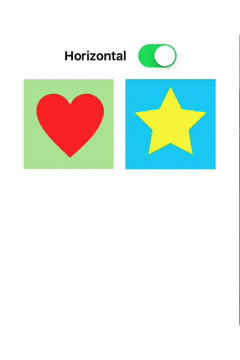
updateConstraintsForAxis sets the axis of the stack view that holds the two image views. layoutIfNeeded() inside the animation block is what animates the resulting frames. axisSwitch is the switch outlet.
private func updateConstraintsForAxis() {
    if (axisSwitch.on) {
        stackView.axis = .Horizontal
    } else {
        stackView.axis = .Vertical
    }
}
The animation below shows the result:
Found a mistake? Have a question or improvement idea?
Let me know.
Table Of Contents