Auto-size label to fit text
suggest changeThis example shows how a label’s width can automatically resize when the text content changes.
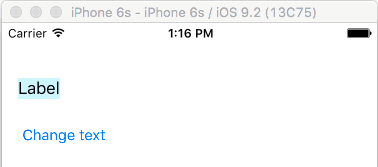
Pin the left and top edges
Just use auto layout to add constraints to pin the left and top sides of the label.
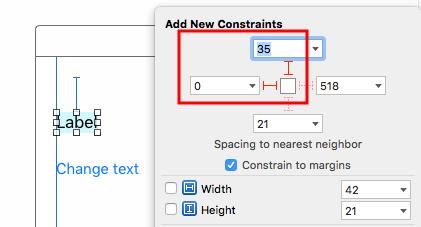
After that it will automatically resize.
Notes
- This example comes from this Stack Overflow answer.
- Don’t add constraints for the width and height. Labels have an intrinsic size based on their text content.
- No need to set
sizeToFitwhen using auto layout. The complete code for the example project is here:
import UIKit
class ViewController: UIViewController {

    @IBOutlet weak var myLabel: UILabel!

    @IBAction func changeTextButtonTapped(sender: UIButton) {
        myLabel.text = "my name is really long i want it to fit in this box"
    }
}
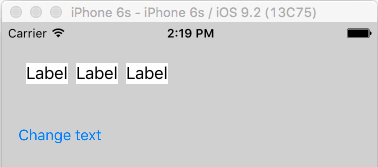
- This method can also be used to correctly space multiple labels horizontally as in this example.
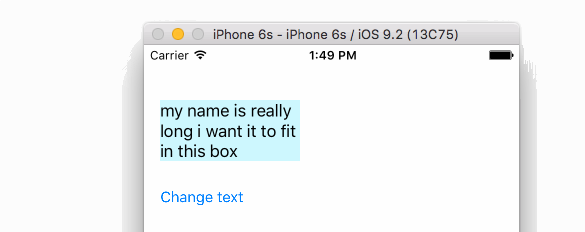
- If you want the label to wrap, set the number of lines to 0 in Interface Builder and set
myLabel.preferredMaxLayoutWidth = 150(or another width) in code. On iOS 8 and later this is often inferred, but an explicit width is still required when the label’s width is not otherwise constrained. Pin the button to the bottom of the label so it moves down when the label grows.
Found a mistake? Have a question or improvement idea?
Let me know.
Table Of Contents