Center Buttons with UIStackView
suggest changeStep 1 :- Add 4 buttons on the storyboard: Button1, Button2, Button3, and Button4.
Step 2 :- Give every button a fixed height and width.
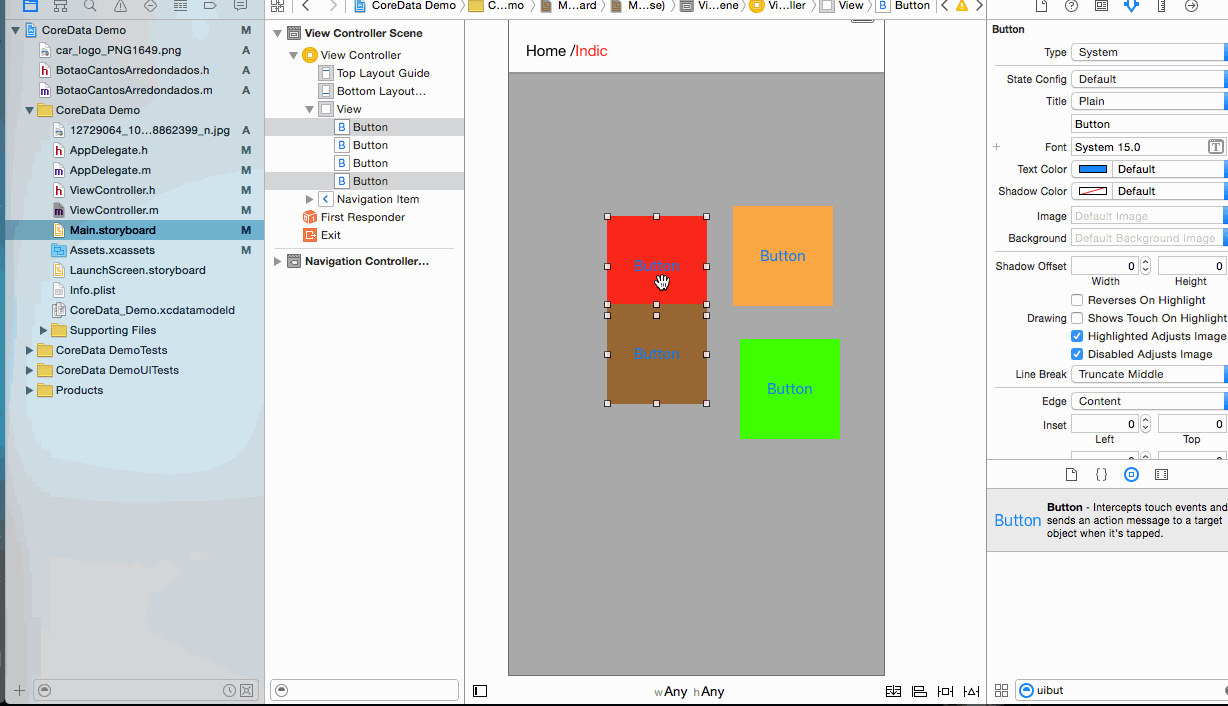
Step 3 :- Put each pair of buttons in its own stack view.
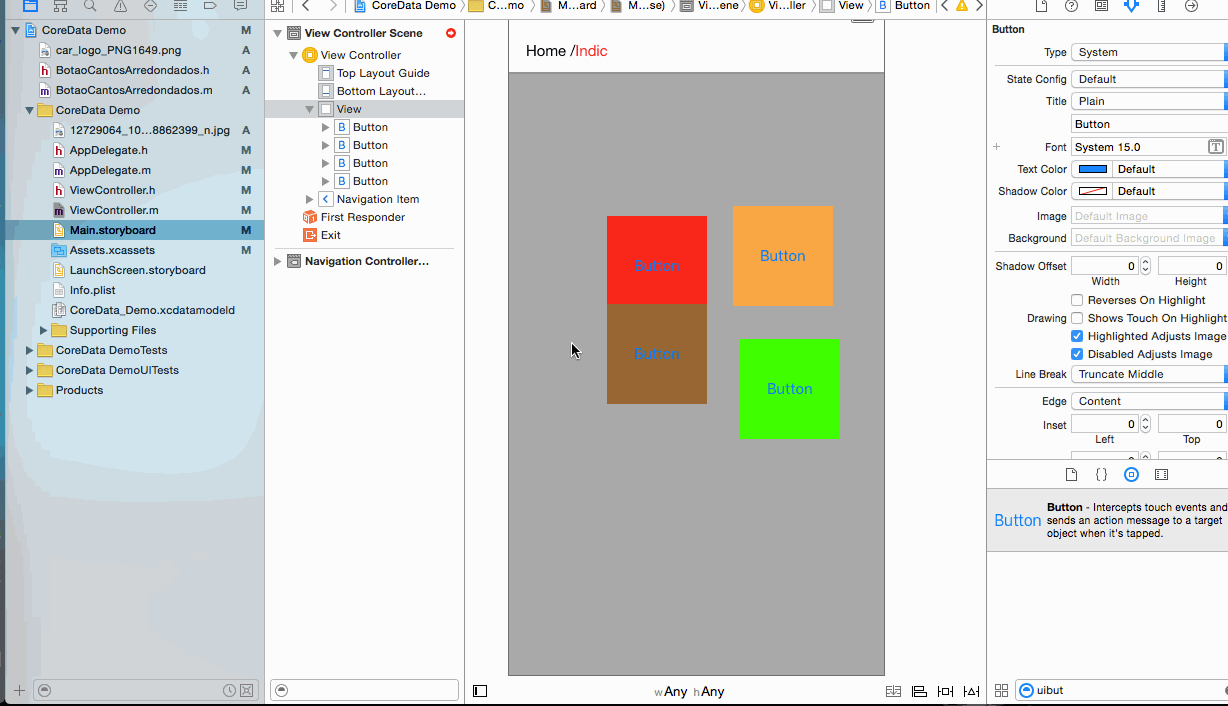
Step 4 :- Set the UIStackView properties for both.
Distribution -> Fill Equally
     Spacing -> 5 (as per your requirement)

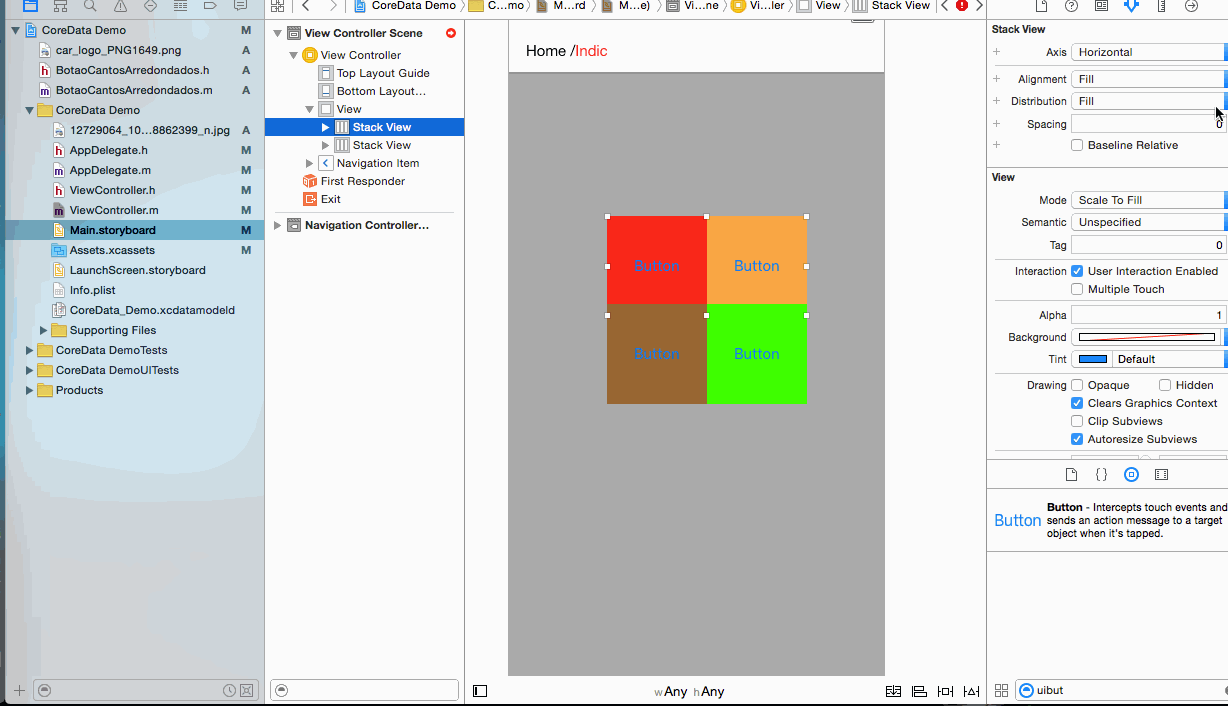
Step 5 :- Add both stack views to one stack view.
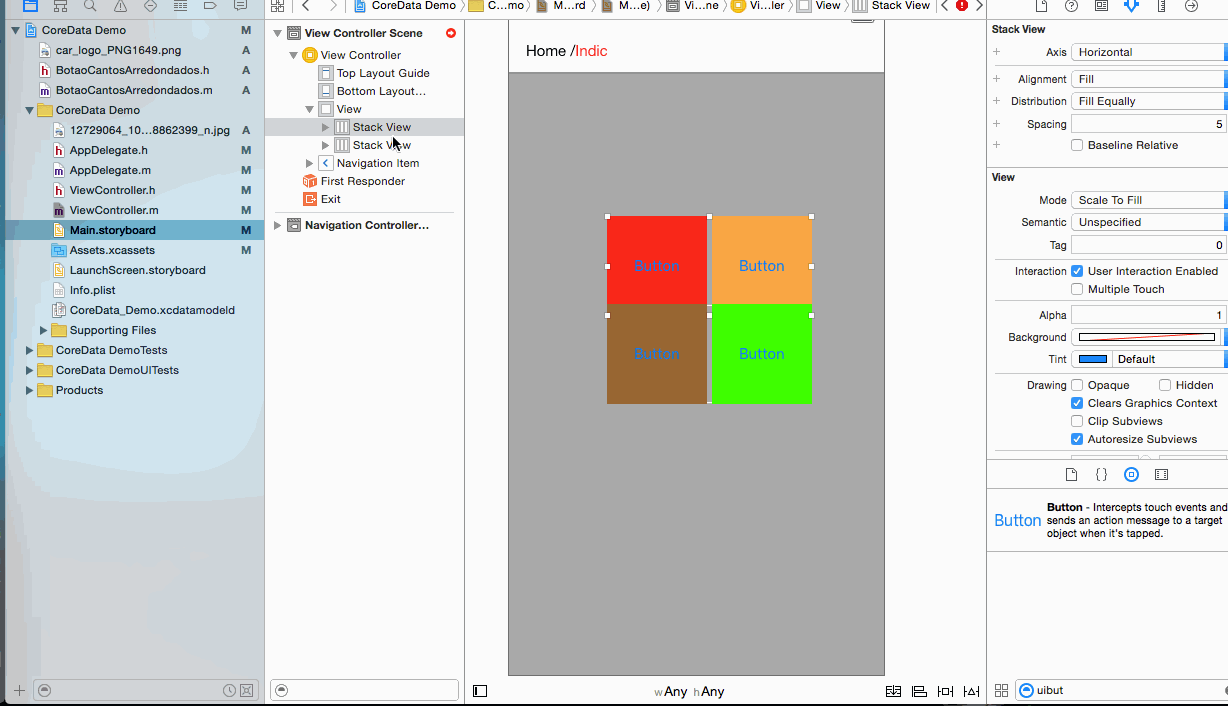
Step 6 :- On the outer stack view, set Distribution to Fill Equally and Spacing to 5 (or whatever spacing you need).
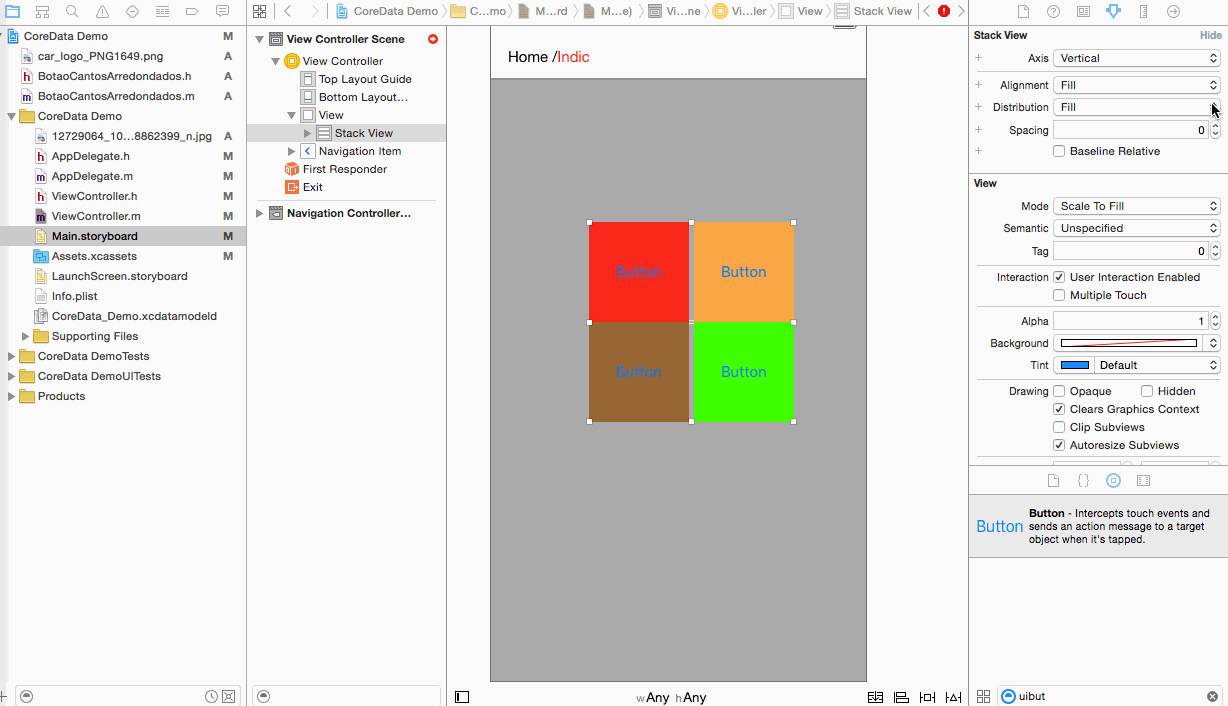
Step 7 :- Constrain the outer stack view.
center Horizontally in container

center vertically in container
and select Update Frame.
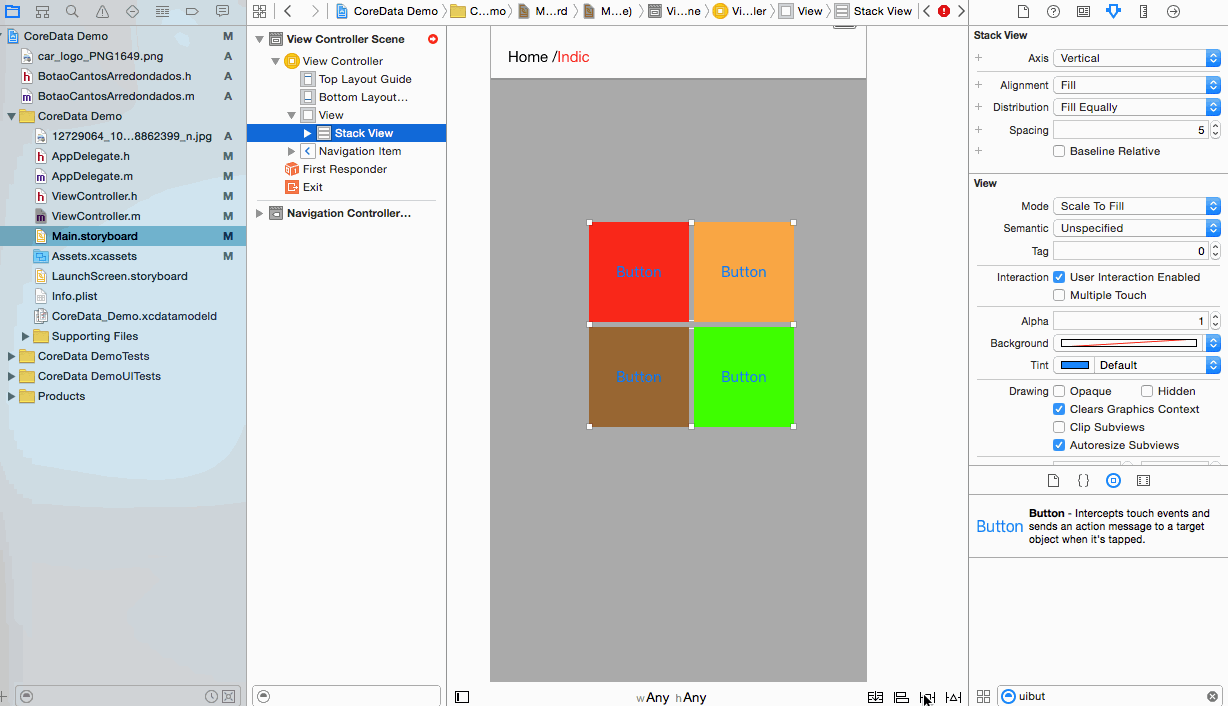
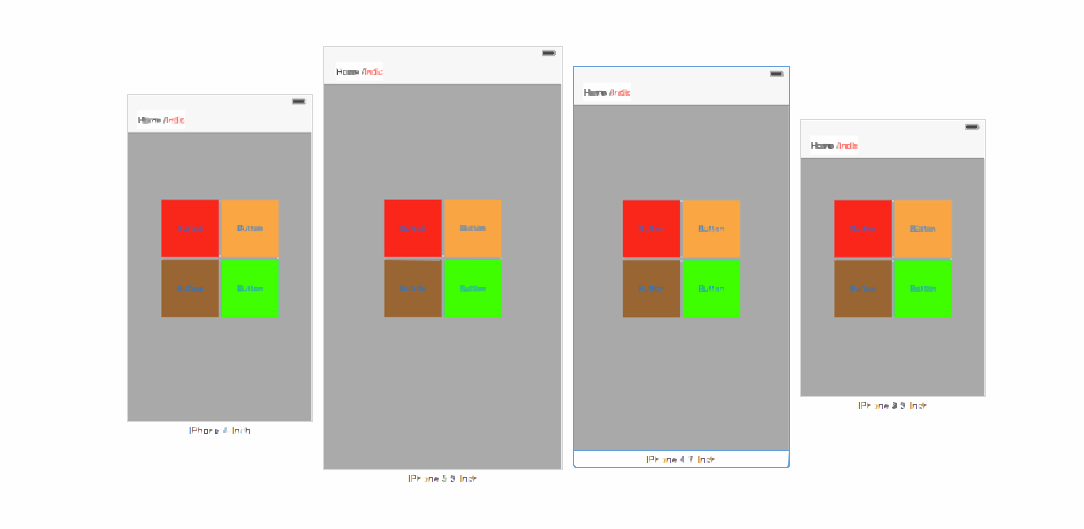
Step 8 :- The result at each device size:
Found a mistake? Have a question or improvement idea?
Let me know.
Table Of Contents