Create an .ipa file to upload with Application Loader
suggest changeApplication Loader and the iTunes drag-and-drop steps below are the older upload path. Current Xcode uploads an archive from the Organizer, or with xcodebuild -exportArchive. Transporter replaced Application Loader.
If you need an .ipa for that older path, without adding the developer account inside Xcode, you can still build an archive and turn the .app into an .ipa.
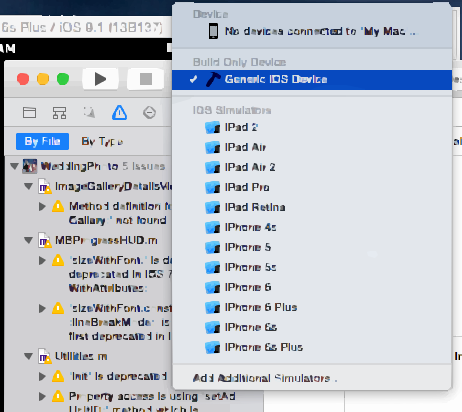
Step 1 :- Select a generic iOS device instead of a simulator. Archive is unavailable while a simulator is selected.
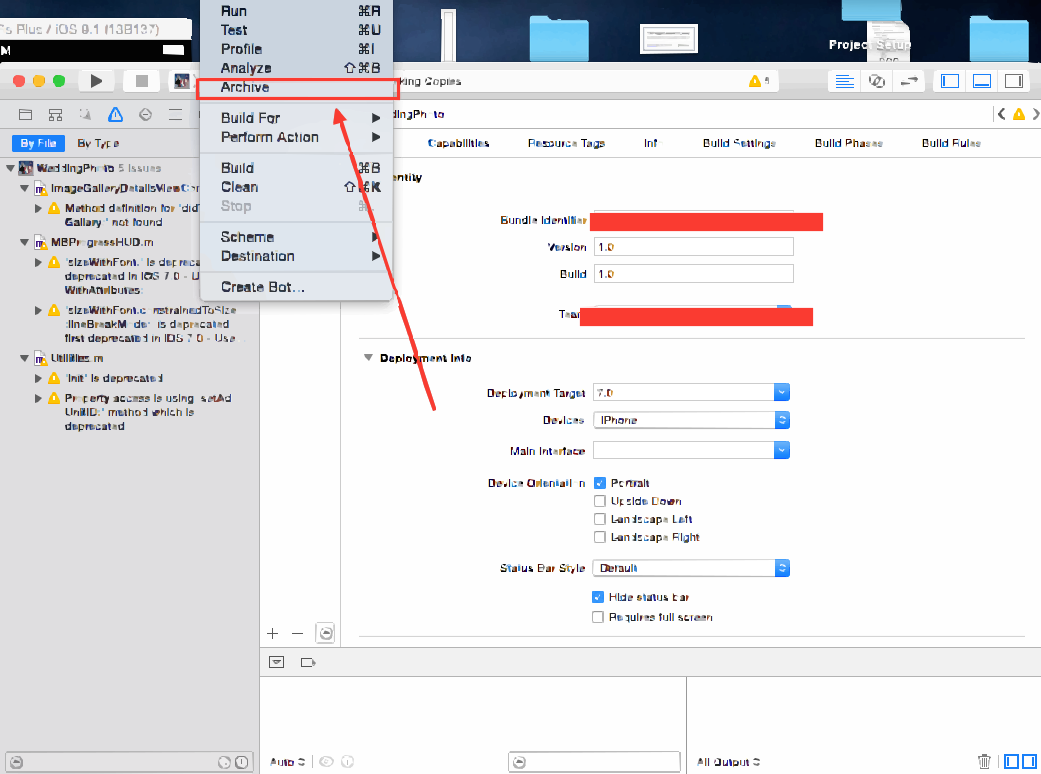
Step 2 :- Go to Product -> select Archive
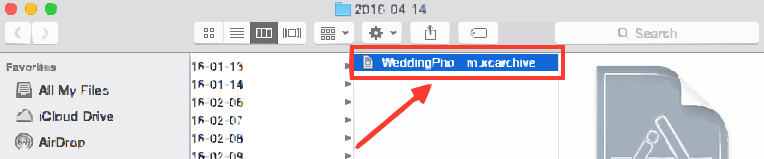
Step 3 :- After the archive finishes, right-click it and choose Show in Finder.

Step 4 :- Show in Finder opens the Archives folder. It looks like this:
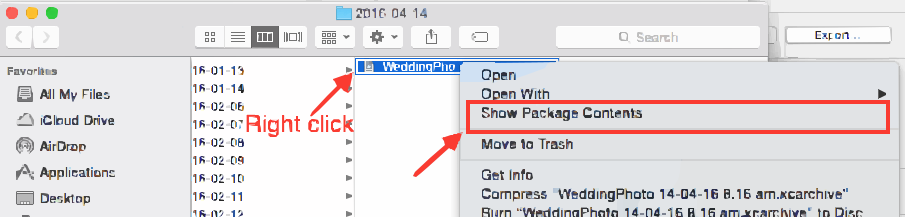
Step 5 :- Right-click the .xcarchive file and choose Show Package Contents.
Step 6 :- Open Products, then Applications. The app bundle is YourProjectName.app.
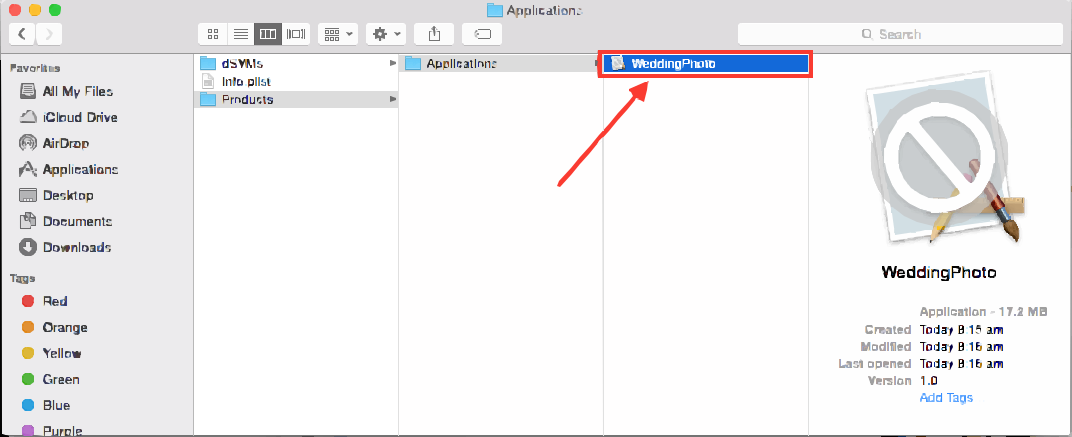
Step 7 :- To turn that .app into an .ipa with the old iTunes apps list, drag the .app onto iTunes.
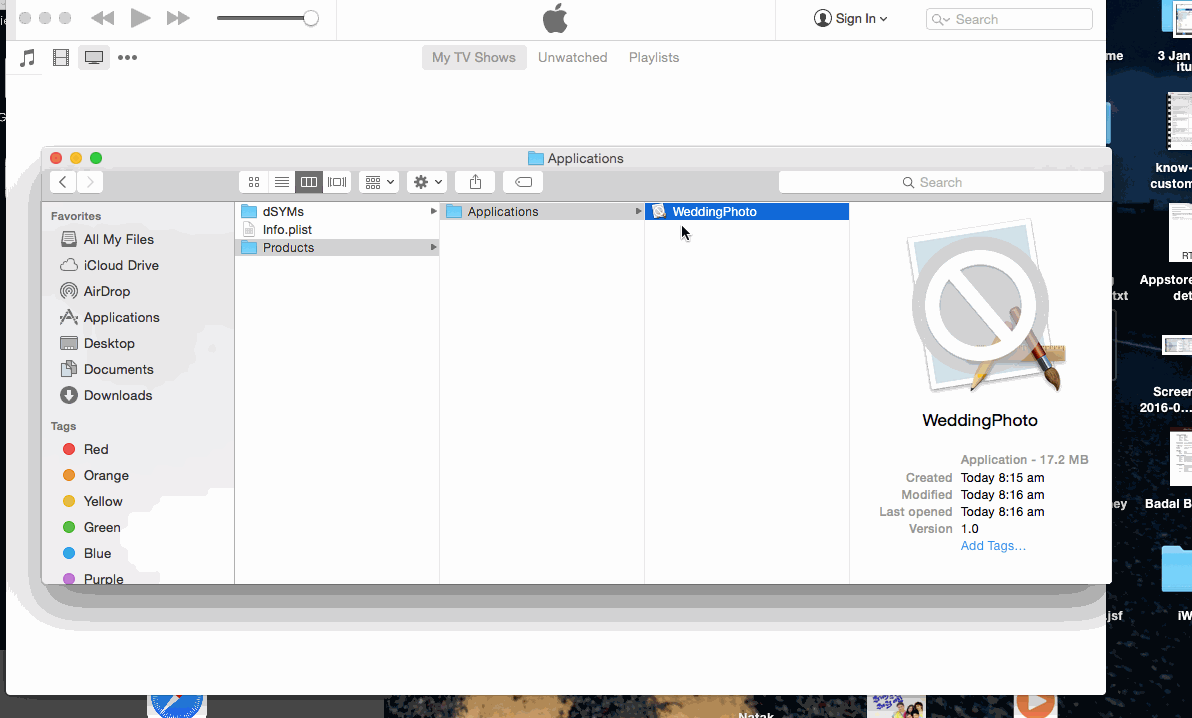
Step 8 :- Keep the .ipa and upload it with Application Loader.
Note :- Apple’s Application Loader help:
Upload app with application Loader
EDIT :-
WARNING :- Do not make an .ipa by renaming .app to .zip and then to .ipa.
Compressing the .app and changing the extension from .zip to .ipa fails validation. The error looks like this:
IPA is invalid, it does not include a payload directory.