Export IPA file
suggest changeAfter you archive, you can find your archive in the Xcode organizer. This is where all your previous versions and archive builds are saved and organized in case you do not delete them. You will immediately notice a large blue button saying “Upload to App Store…”. That upload does not always succeed. A workaround is to export your archive and upload the IPA with Application Loader (a legacy Xcode tool; current Xcode uploads from the Organizer or with Transporter). Because Application Loader uploads IPA files to the App Store, the archive needs to be exported to the correct format. Exporting can take a while. Click the “Export” button in the right side panel.
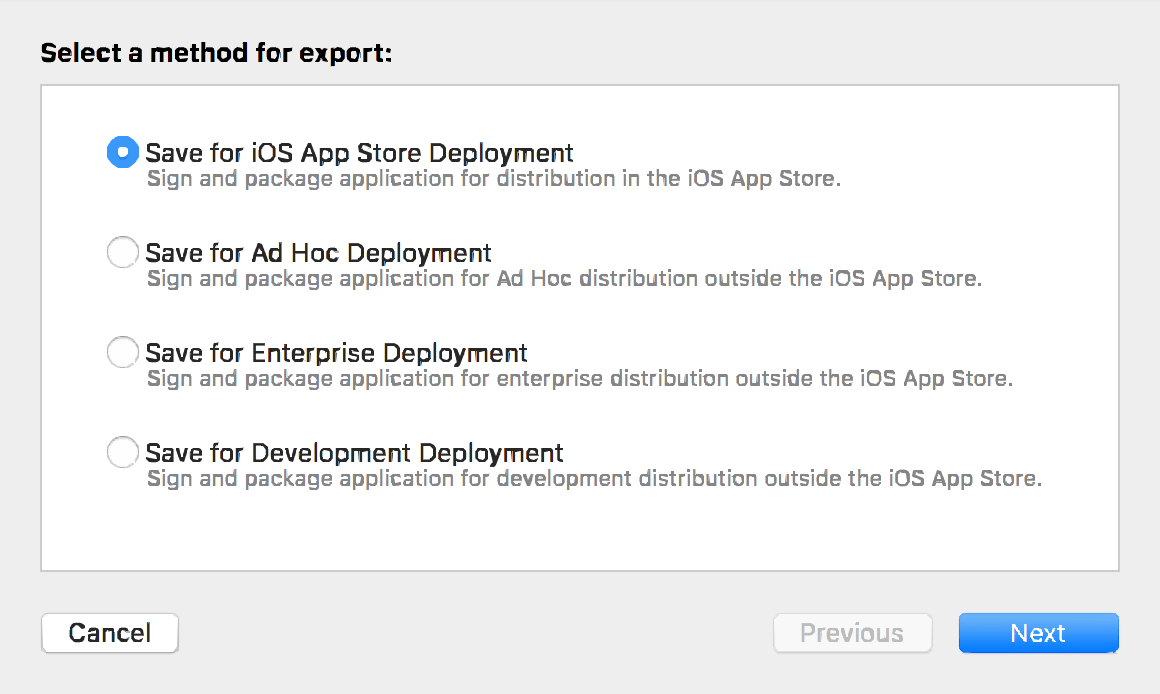
If you are uploading an app to the App Store, select the first option and click Next. Sign in and validate your code once again and go grab a cup of coffee. Once the exporting process is done, you will be asked where to save the generated IPA file. Usually the desktop is the most convenient choice.