Handle multiple environment using multiple target and macro
suggest changeFor example, we have two environments, CI and Staging, and want customizations for each one. This walkthrough customizes the server URL and the app name. The #if header is only in the screenshots, so those conditions are not shown as text.
First, we create two targets for 2 environments by duplicating the main target:
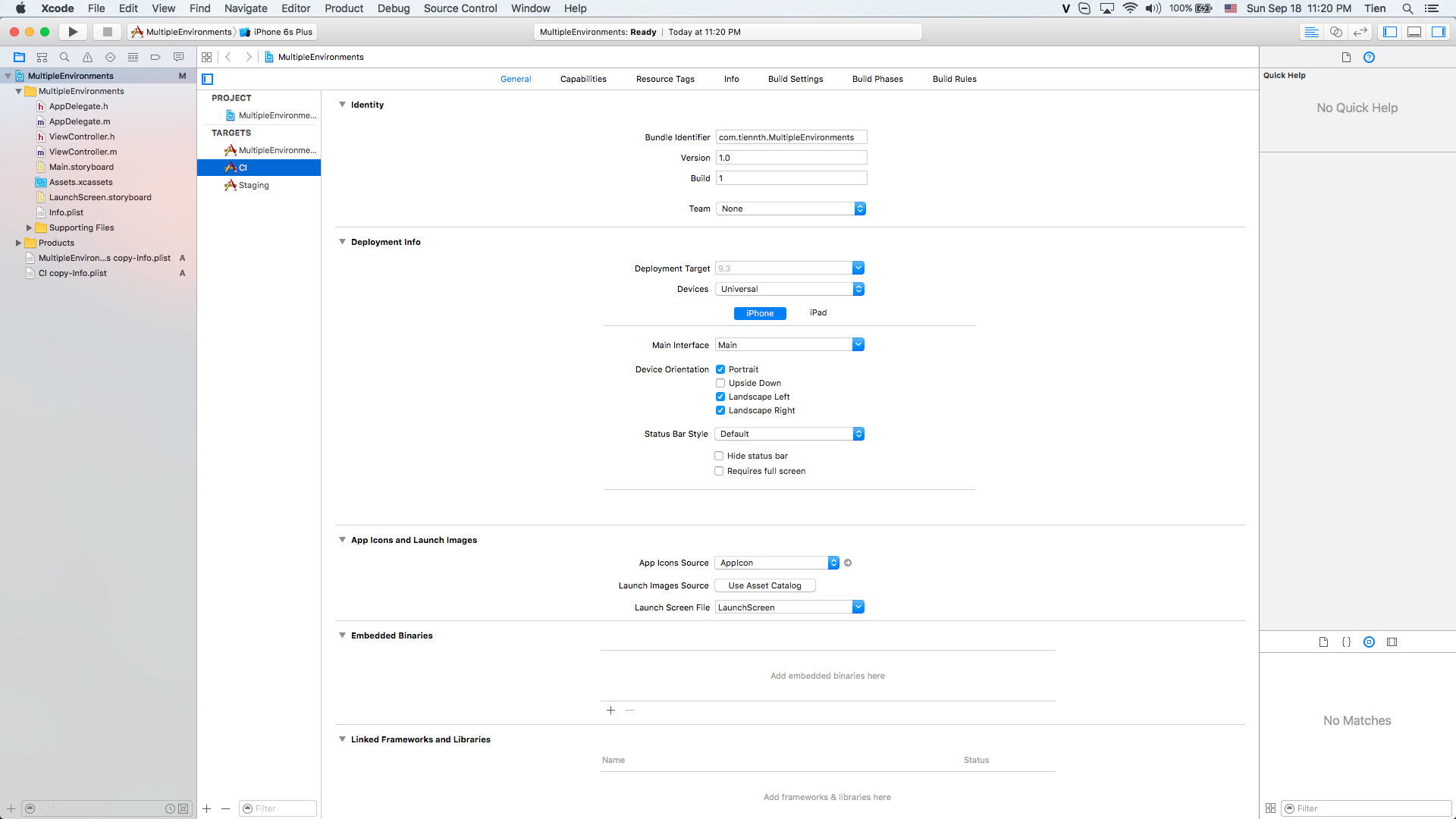
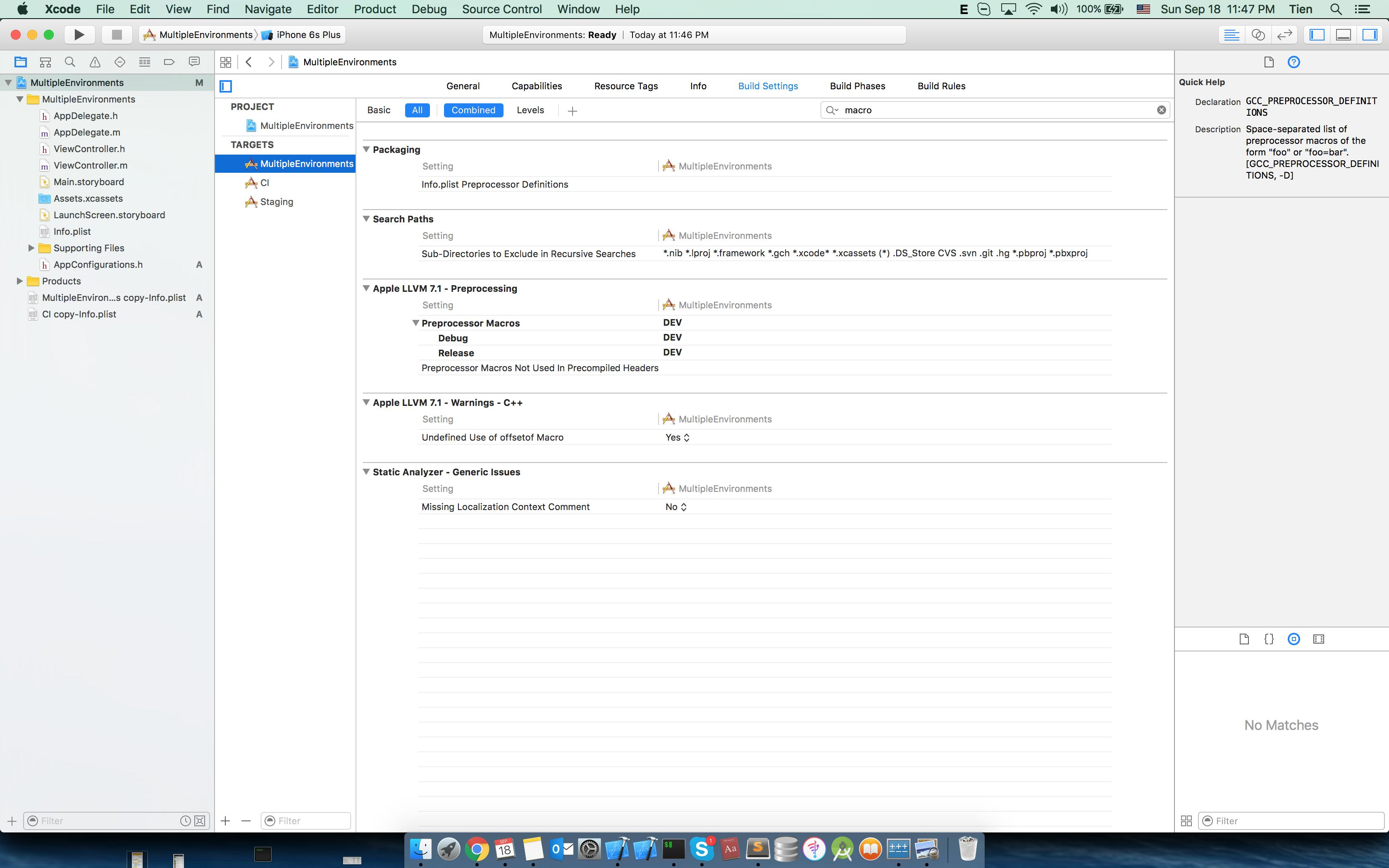
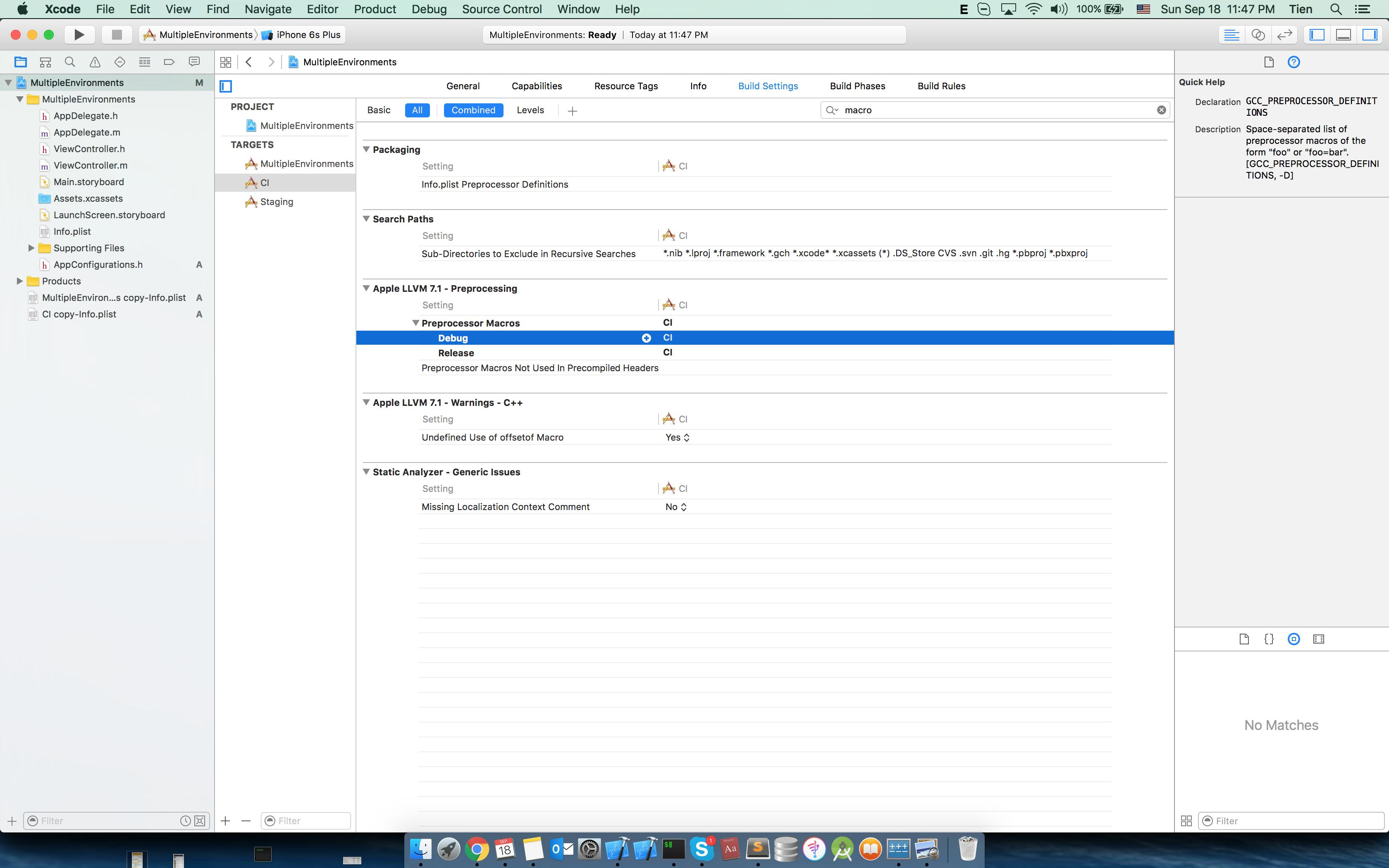
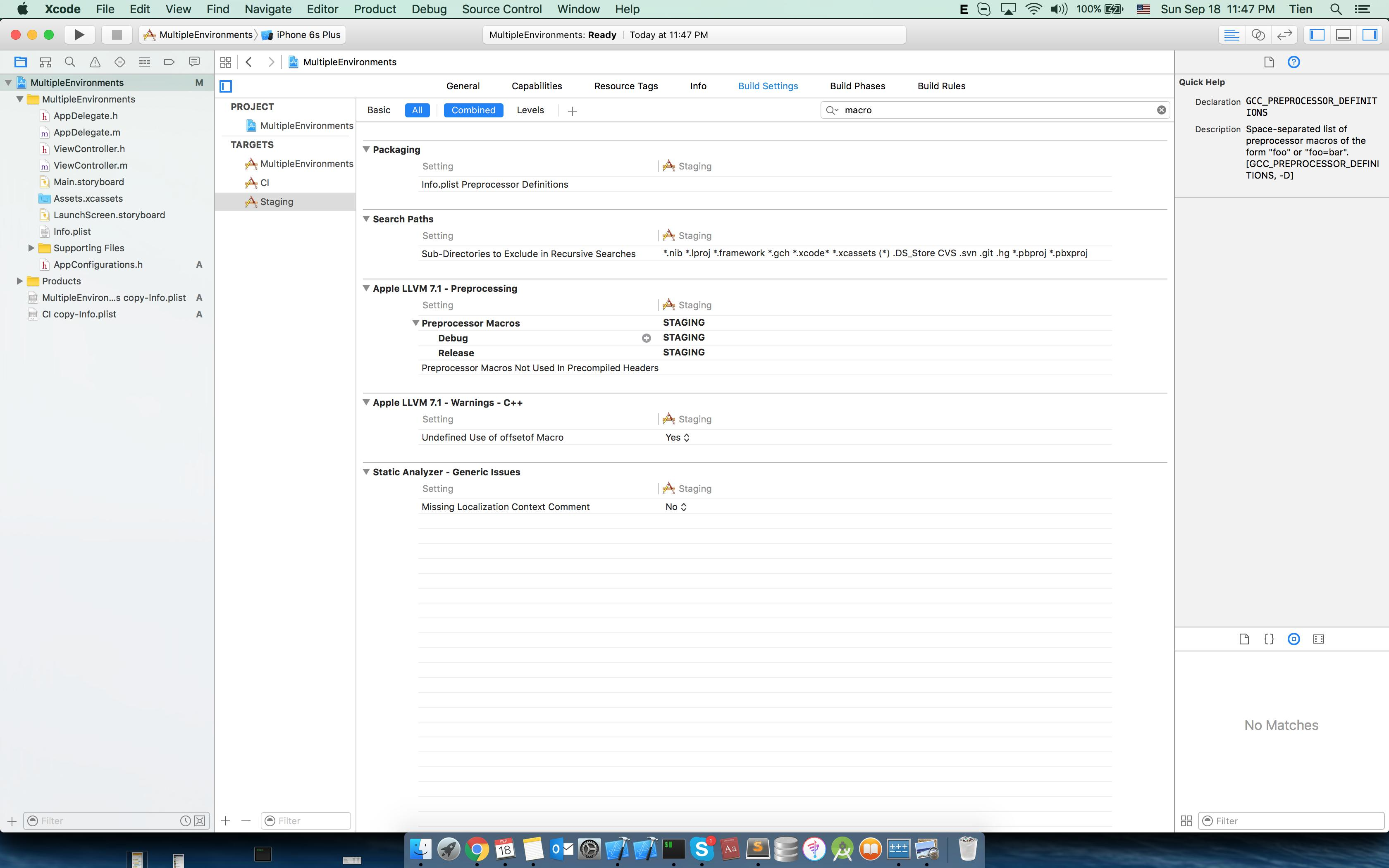
For each target, define a custom macro. Define a macro named CI in the build settings of the CI target, and a macro named STAGING for the Staging target.
The development target (MultipleEnvironment target):
Target CI:
Target Staging:
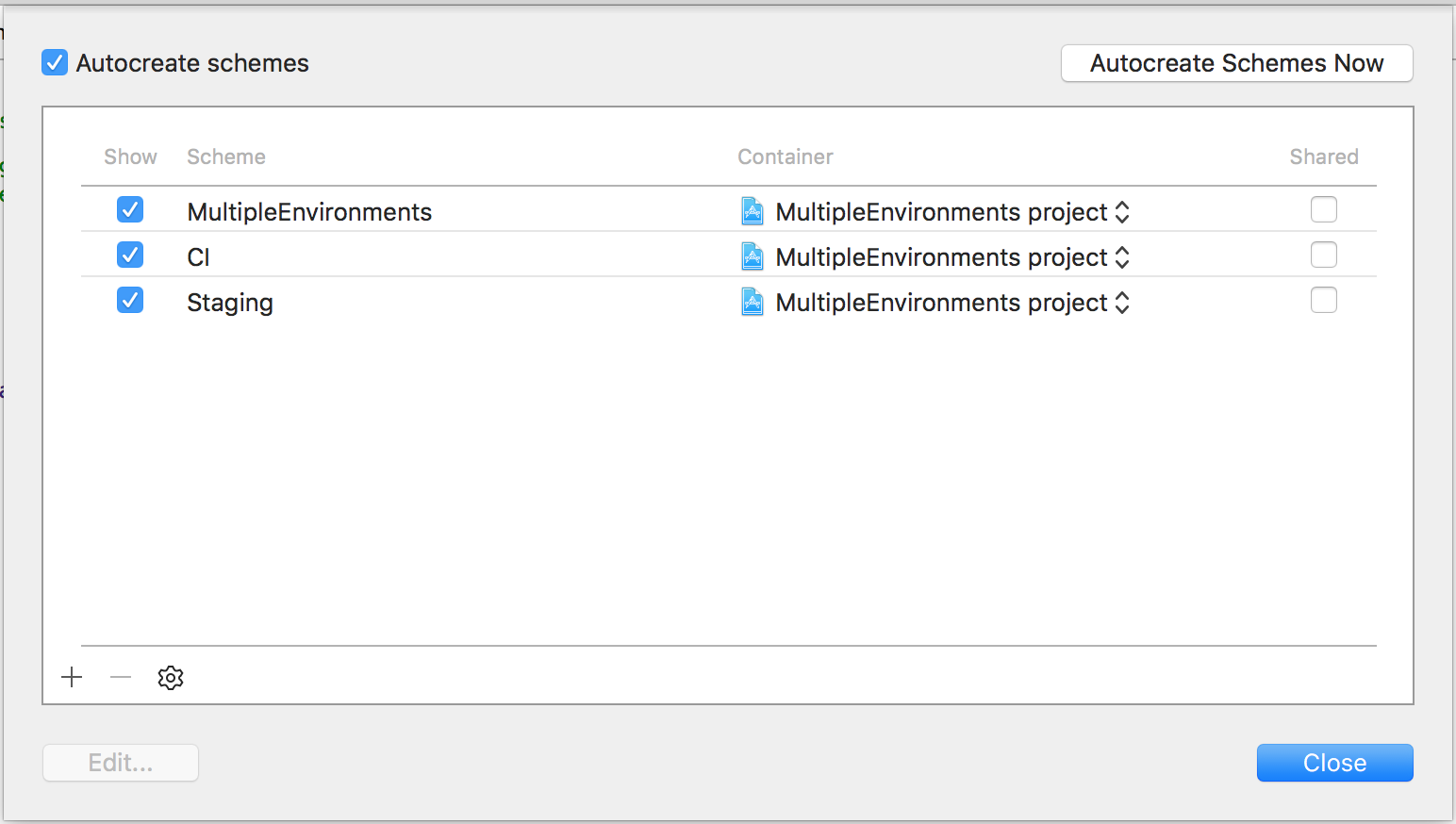
Create scheme for each target:
We will create a header file to define SERVER URL as below:
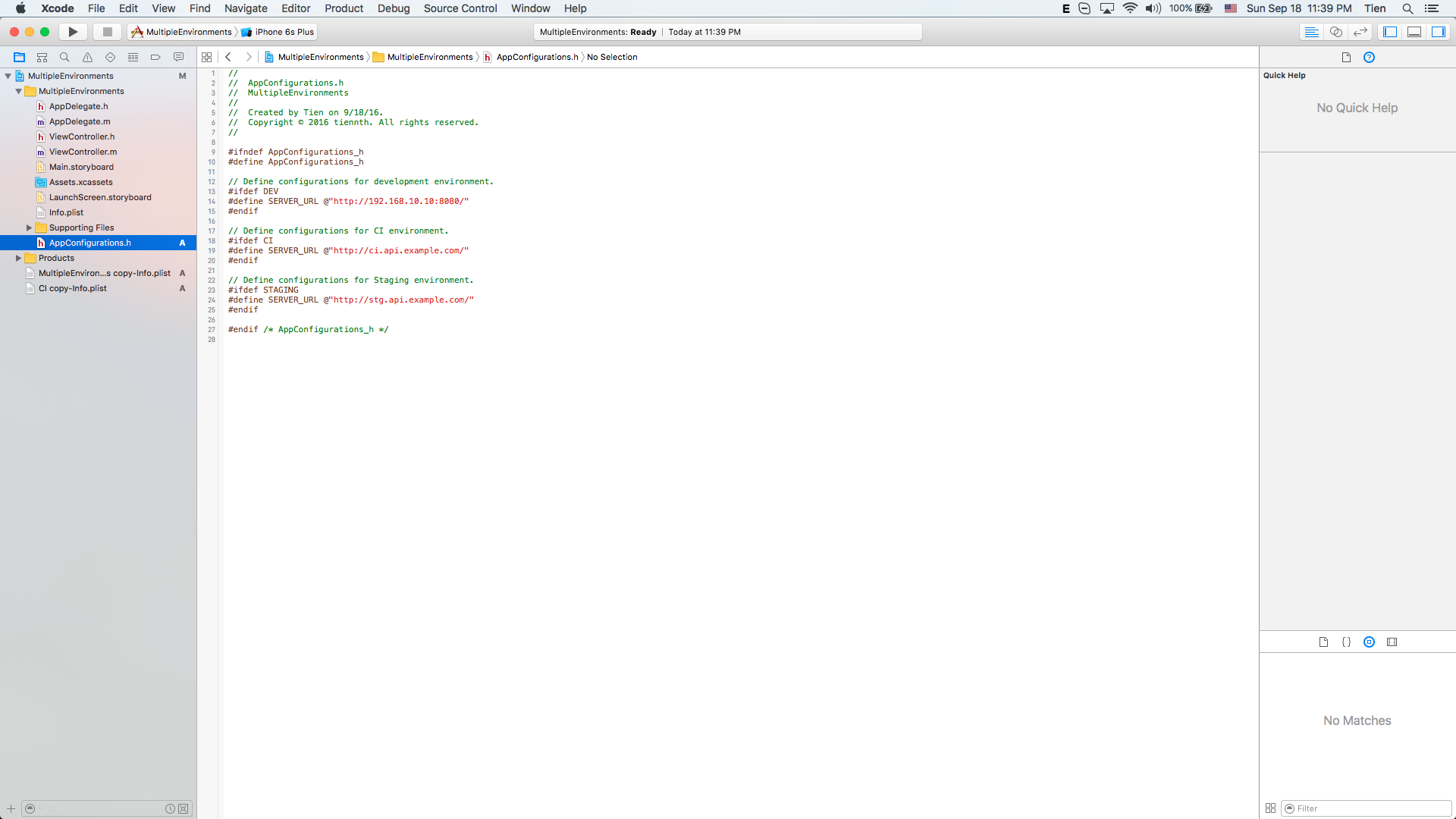
It means,
- If we run/archive using the default target (MultipleEnvironment), the SERVER_URL is http://192.168.10.10:8080/
- If we run/archive using CI target, the SERVER_URL is http://ci.api.example.com/
- If we run/archive using STAGING target, the SERVER_URL is http://stg.api.example.com/
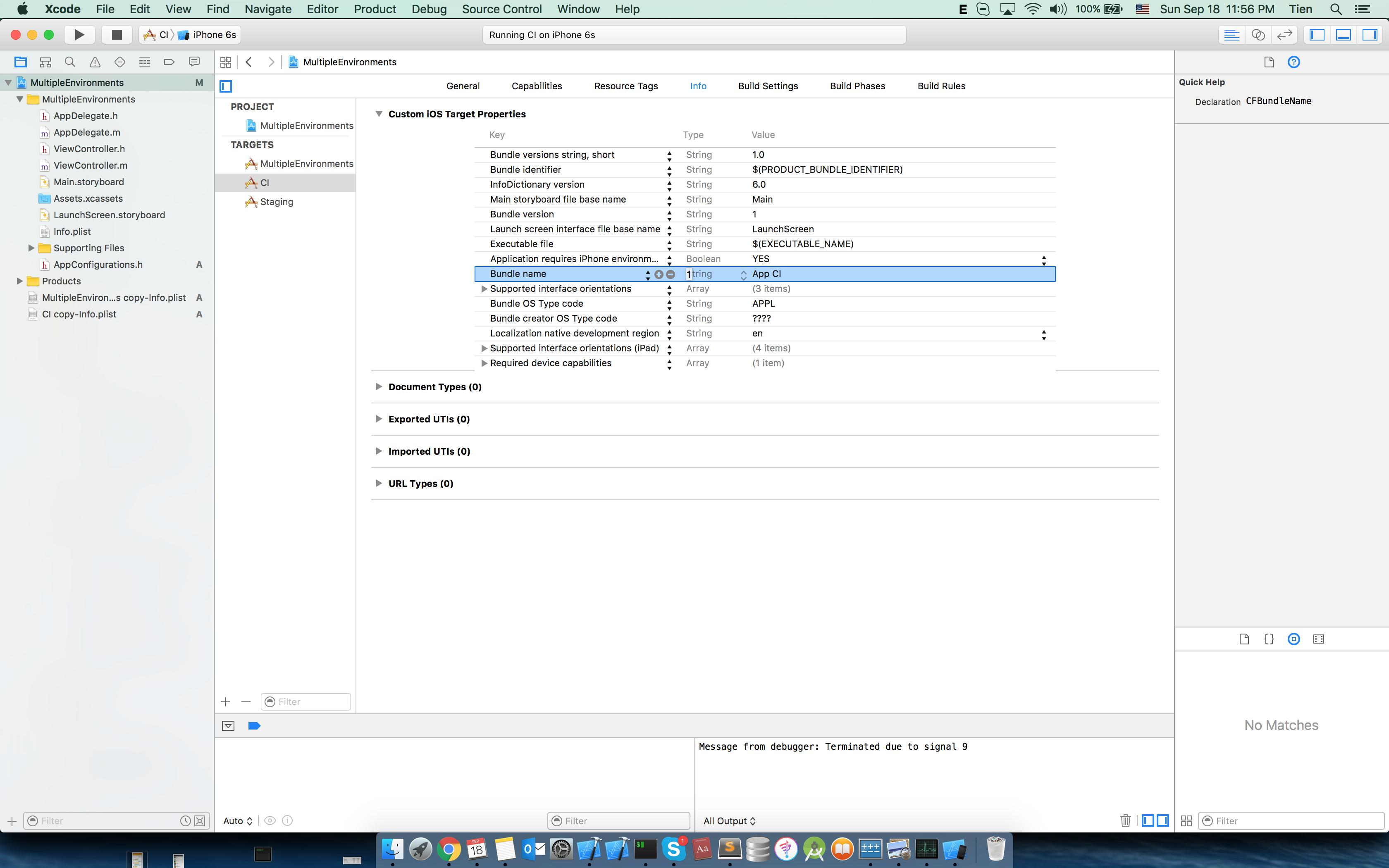
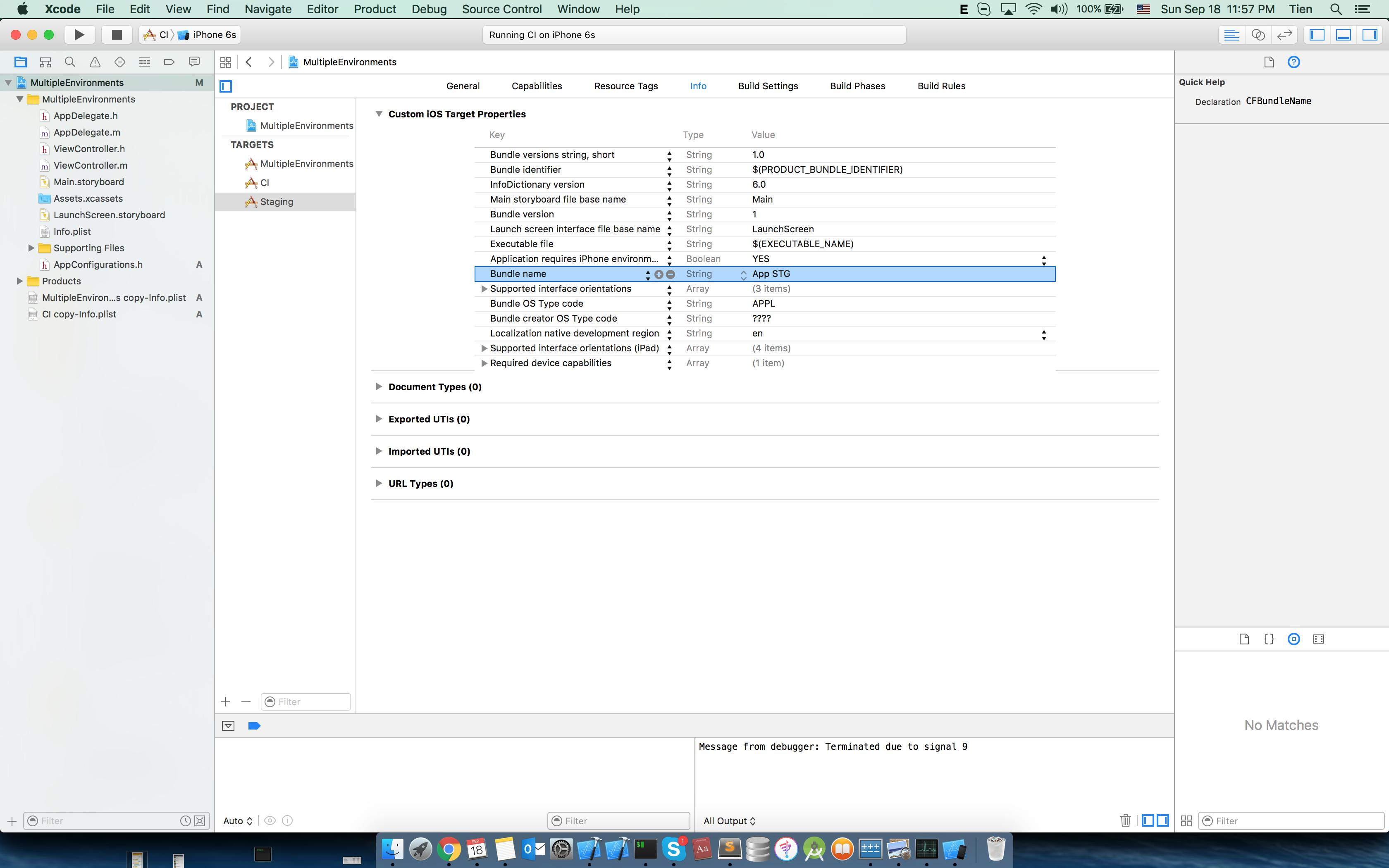
To customize more, for example the app name for each target:
Almost done. Now we want to show current SERVER_URL to main screen:
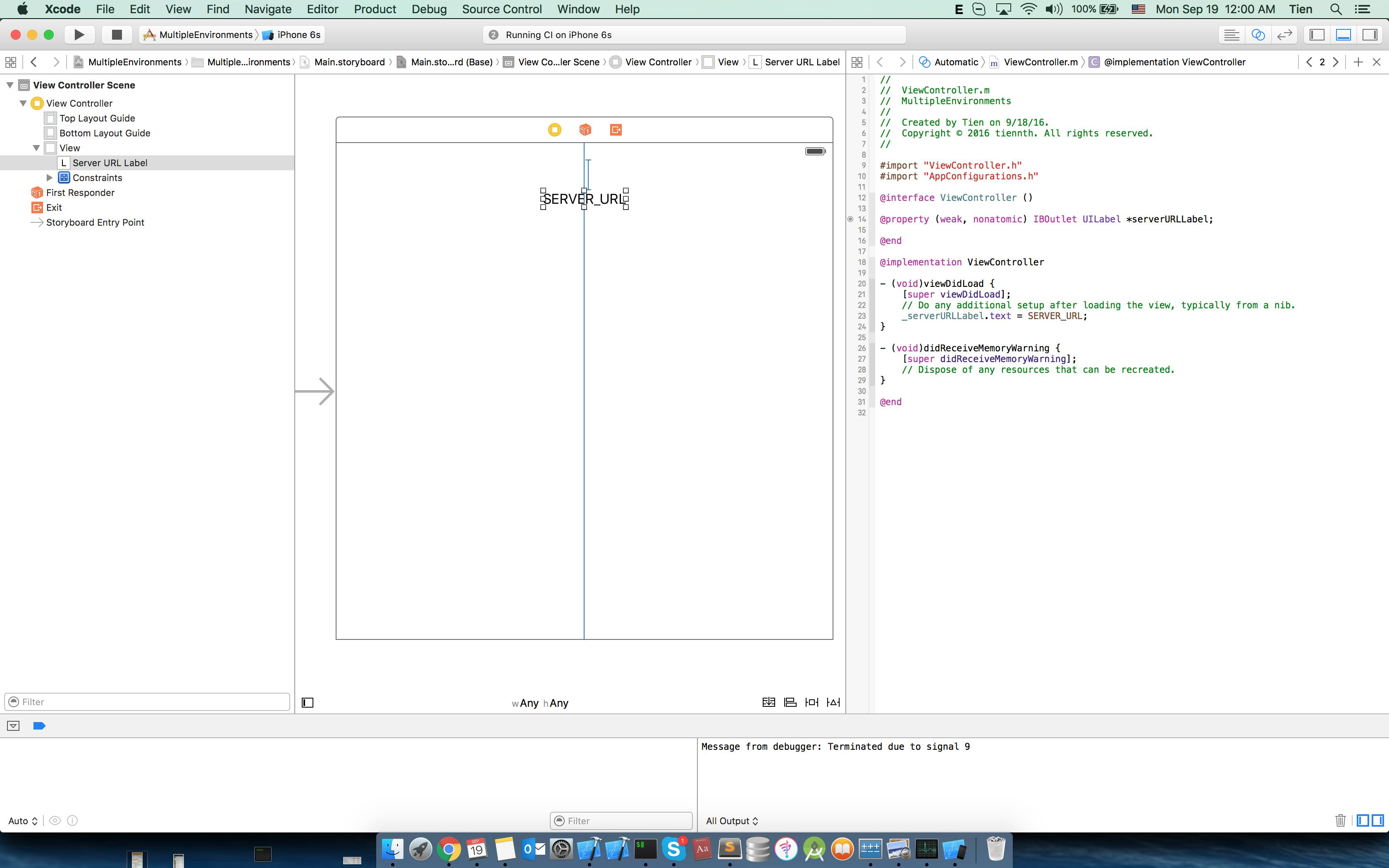
Now, let’s see if we run the app with the default target (MultipleEnvironment)


CI target:


Staging target:


As you can see, the value of SERVER_URL and the app name change for each target.