Supporting iOS Multitasking on iPad
suggest changeA key piece of adaptivity in a modern iOS app is supporting multitasking on iPad. By default, apps created in Xcode 7 and newer will be configured to support multitasking: they’ll have a LaunchScreen.storyboard file that uses Auto Layout.
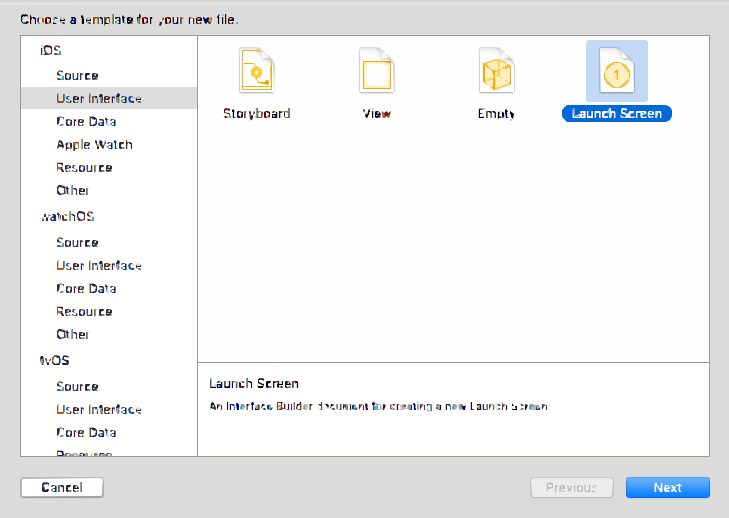
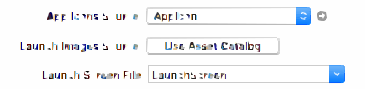
The easiest way for existing apps to opt in to multitasking is to create such a storyboard, then set it as the project’s Launch Screen. Also leave Requires Full Screen unchecked. Split View and Slide Over need the iPad orientations those modes use.
Once your app supports iPad multitasking, audit existing views and view controllers to make sure that they use Auto Layout and can support a variety of size class combinations.
Found a mistake? Have a question or improvement idea?
Let me know.
Table Of Contents