The Falling Square
suggest changeLet’s draw a square in the middle of our view and make it fall to the bottom and stop at the bottom edge colliding with the screen bottom boundary. In viewDidLoad, animationView.bounds can still be zero, so the square may not be centered until layout has run. The animator’s reference view is animationView, the view that owns the square.
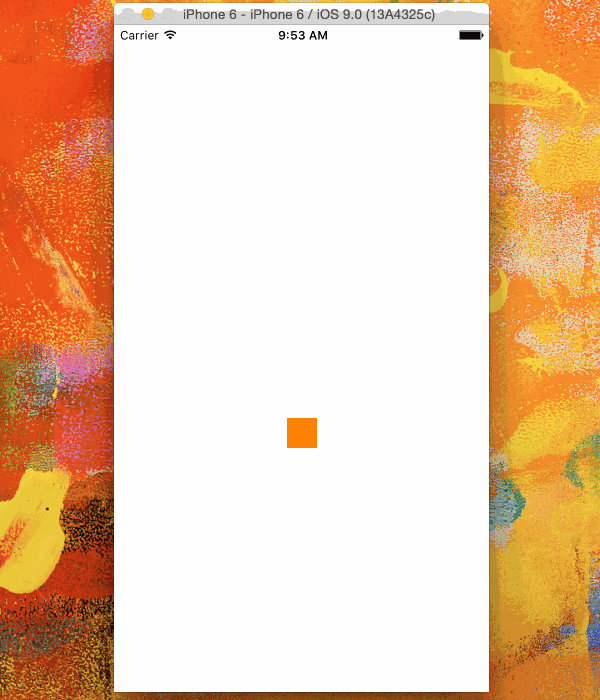
@IBOutlet var animationView: UIView!
var squareView:UIView!
var collision: UICollisionBehavior!
var animator: UIDynamicAnimator!
var gravity: UIGravityBehavior!

override func viewDidLoad() {
    super.viewDidLoad()
    let squareSize = CGSize(width: 30.0, height: 30.0)
    let centerPoint = CGPoint(x: self.animationView.bounds.midX - (squareSize.width/2), y: self.animationView.bounds.midY - (squareSize.height/2))
    let frame = CGRect(origin: centerPoint, size: squareSize)
    squareView = UIView(frame: frame)
    squareView.backgroundColor = UIColor.orangeColor()
    animationView.addSubview(squareView)
    animator = UIDynamicAnimator(referenceView: animationView)
    gravity = UIGravityBehavior(items: [squareView])
    animator.addBehavior(gravity)
    collision = UICollisionBehavior(items: [squareView])
    collision.translatesReferenceBoundsIntoBoundary = true
    animator.addBehavior(collision)
}
Found a mistake? Have a question or improvement idea?
Let me know.
Table Of Contents