Displaying objects and XML interactively - console.dir, console.dirxml
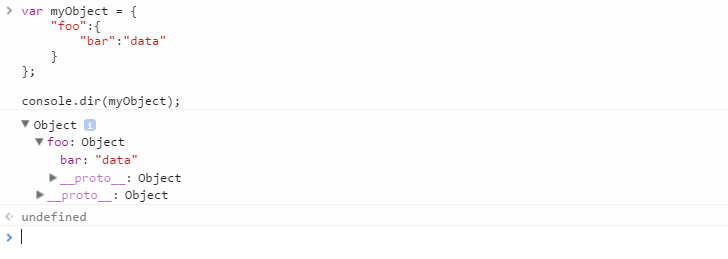
suggest changeconsole.dir(object) displays an interactive list of the properties of the specified JavaScript object. The output is presented as a hierarchical listing with disclosure triangles that let you see the contents of child objects.
const myObject = {
    "foo":{
        "bar":"data"
    }
};

console.dir(myObject);
displays:
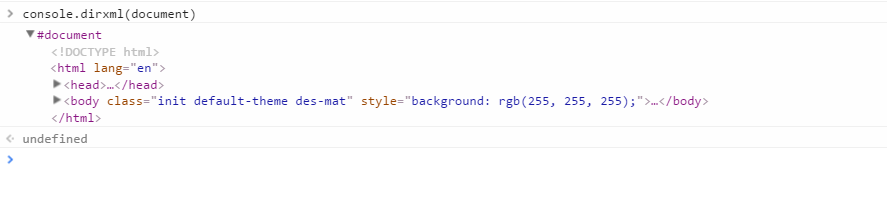
console.dirxml(object) prints an XML or HTML representation of the object's descendant elements when it can, and the JavaScript representation otherwise. On an HTML or XML element it matches console.log(). document exists only in a browser.
Example 1:
console.dirxml(document)
displays:
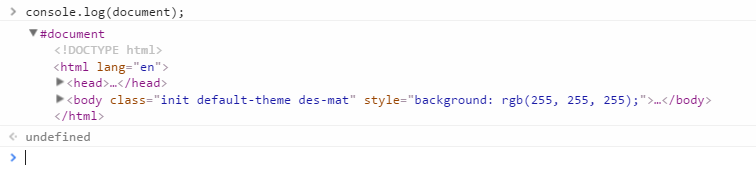
Example 2:
console.log(document)
displays:
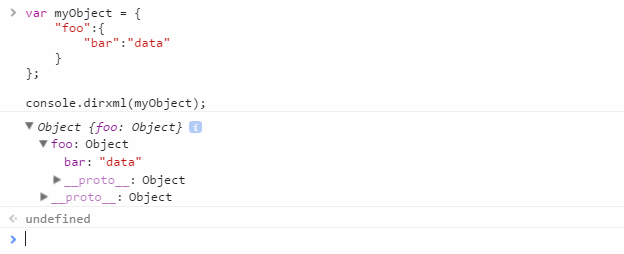
Example 3:
const myObject = {
    "foo":{
        "bar":"data"
    }
};

console.dirxml(myObject);
displays:
Found a mistake? Have a question or improvement idea?
Let me know.
Table Of Contents