Installing the NuGet Package Manager
suggest changeIn order to be able to manage your projects’ packages, you need the NuGet Package Manager. This is a Visual Studio Extension, explained in the official docs: Installing and Updating NuGet Client.
Starting with Visual Studio 2012, NuGet is included in every edition. Open it from Tools → NuGet Package Manager → Package Manager Console.
On older Visual Studio versions, install NuGet from Tools → Extensions and Updates:
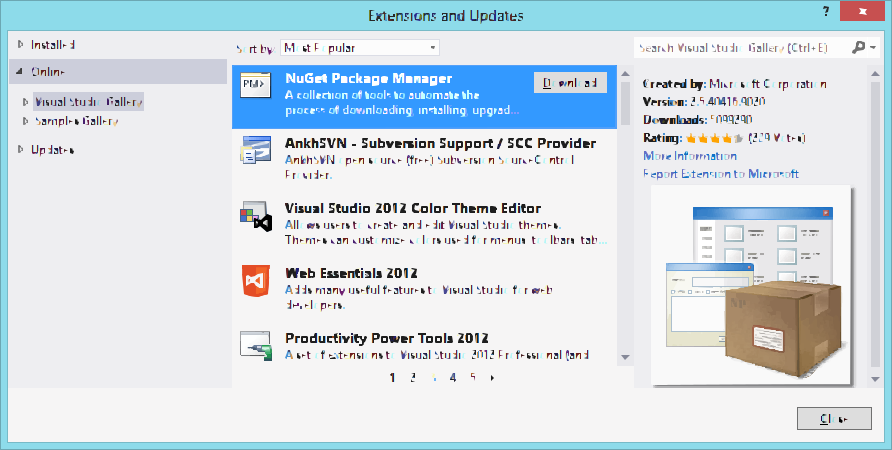
This installs both the GUI:
- Available through clicking “Manage NuGet Packages…” on a project or its References folder
And the Package Manager Console:
- Tools -> NuGet Package Manager -> Package Manager Console.
Found a mistake? Have a question or improvement idea?
Let me know.
Table Of Contents