IntelliJ/Webstorm Configuration
suggest change- Make sure the Node.js plugin is enabled.
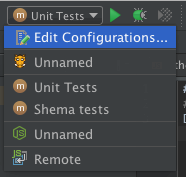
- Open Run/Debug Configurations.
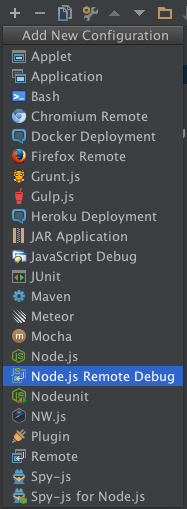
- Select + > Node.js Remote Debug.
- Enter the host and the inspector port Node is listening on. The usual port is
9229(node --inspect).

Once those are configured, start that debug configuration. Execution stops on breakpoints after Node is running with --inspect and the debugger has attached.
Found a mistake? Have a question or improvement idea?
Let me know.
Table Of Contents