Your first program in Swift Playgrounds app on iPad
suggest changeThe Swift Playgrounds app is a way to start coding Swift on the go. To use it:
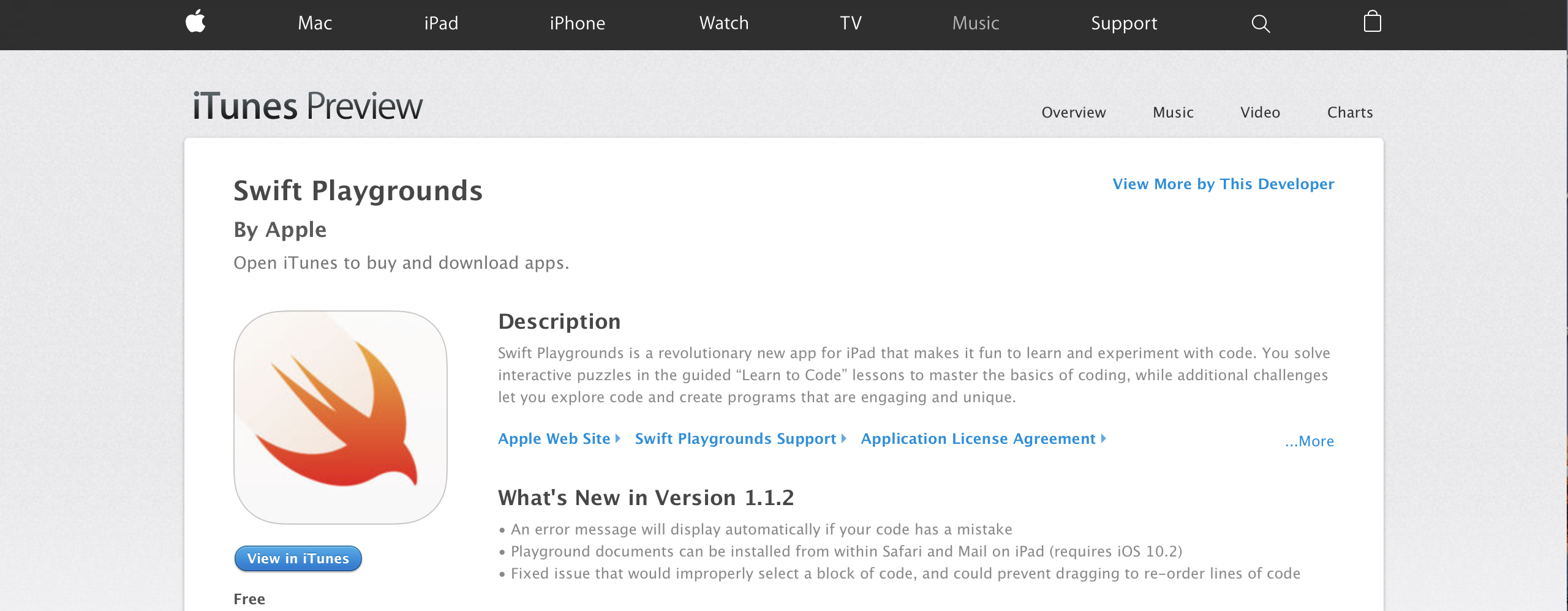
- Download Swift Playgrounds for iPad from the App Store.
-
Open the app.
-
In the My Playgrounds tab, tap + on the top left corner and then select Blank template.
-
Enter your code.
-
Tap Run My Code to run your code.
-
A small square beside each line shows the result. Tap it to reveal the result.
-
To step slowly through the code and trace it, tap the button next to Run My Code.
Found a mistake? Have a question or improvement idea?
Let me know.
Table Of Contents